

Community and feedback
Karuii
Follow ooptify's public issues and roadmap, vote on priorities, subscribe to updates and submit issues.
Visit the ooptify community on Karuii ↗
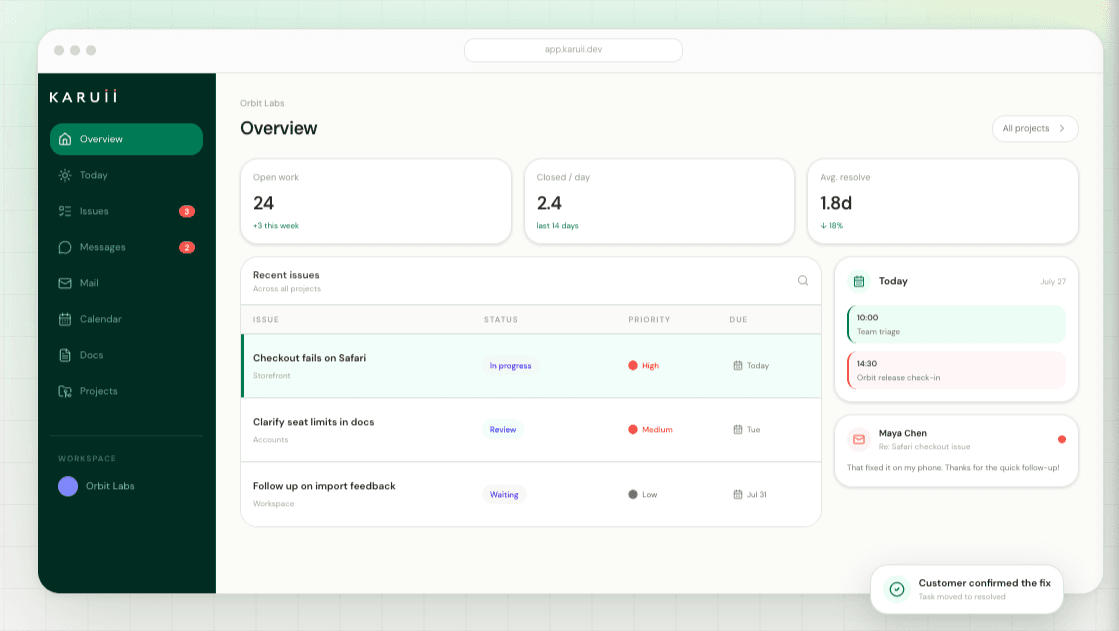
Karuii powers the ooptify community: a public view of the issues, product progress and roadmap work our team has chosen to share. It gives practices one clear place to see what's moving, what has been resolved and what matters next.
You can search public issues, vote on priorities, subscribe to updates and report something new without creating an account. Your own submissions stay private, and you can find them again using the email address you submitted them with.
How it works with ooptify
- 1
Open the ooptify community from our roadmap, integrations page or website footer.
- 2
Browse or search the public issues and roadmap work shared by the ooptify team.
- 3
Vote on the issues that matter to your practice and subscribe to progress updates — no account required.
- 4
Use Report an issue to send a new request, bug or piece of feedback privately to the ooptify team.
- 5
Return with your email address to find your private submissions and follow their progress.
Privacy: Customer submissions stay private. The ooptify team controls which issues are shared on the public community page.
See ooptify for yourself
Get access to a working sandbox in approximately 30 seconds. No sales call required.